


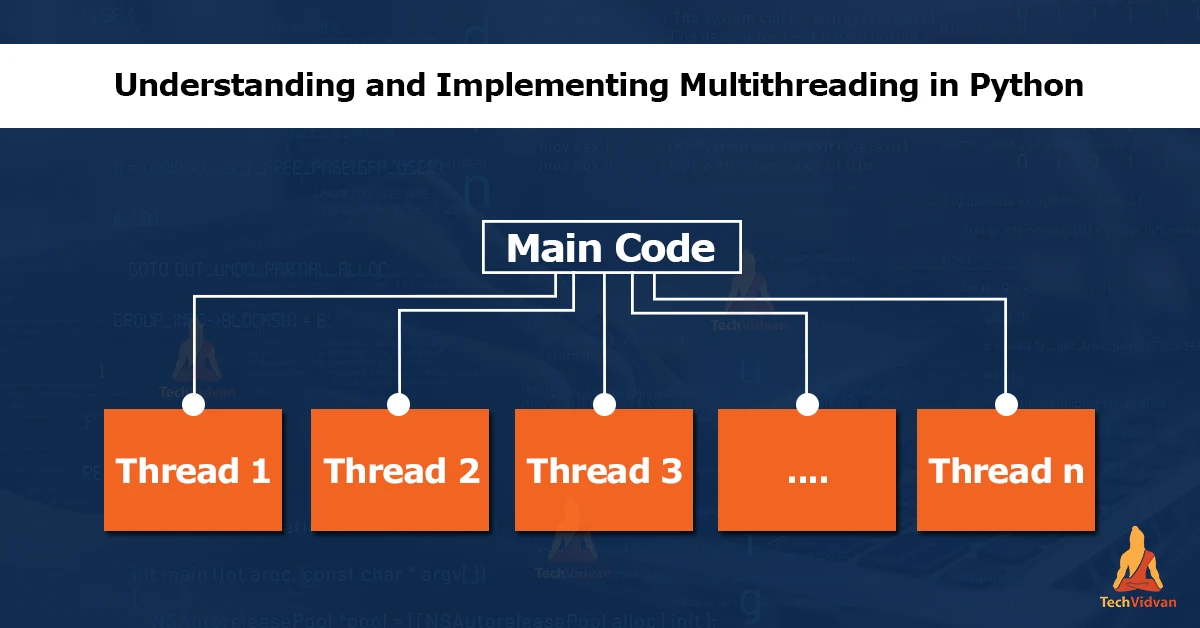
In this article, you will learn about thread class and multithreading in python. let’s start!!
What is multithreading in Python?
Python supports multiple threads of execution, which allows you to run multiple tasks concurrently. It is helpful if you have a long-running task that you want to run in the background while the main thread of your program continues to run and interact with the user.
You will need to use the threading module to use multiple threads in Python. This module provides a Thread class that allows you to create and manage threads.
Use of Thread class in Python
Here is an example of using the Thread class to create and start a new thread:
def worker():
  # This is the function that will be run in a separate thread
  print("TechVidvan")

# Create a new thread
thread = threading.Thread(target=worker)

# Start the thread
thread.start()
In this example, we define the function worker() that will be executed in a separate thread. Then, we create a new Thread instance and specify worker as the function to be executed by the thread. Finally, we start the thread using the start() method.
Note that when you start a new thread, it will run concurrently with the main thread of your program. This means that the threads will run simultaneously, and the order in which the threads complete their tasks is not guaranteed.
It’s important to note that using multiple threads can make your program more efficient and make your code more complex. However, you need to carefully manage the threads to ensure that they are running correctly and not interfering with each other.
Benefits of Multithreading in Python
There are several benefits to using multithreading in Python. Here are a few examples:
1. Improved performance:
Using multiple threads, you can run multiple tasks concurrently, enhancing your program’s overall performance. For example, if you have a long-running task that takes a while to complete, you can run it in a separate thread and continue interacting with the user in the main thread while a long-running task is running in the background.
2. Better utilization of system resources:
Multithreading can help you better use system resources, such as CPU and memory. For example, suppose your program has multiple threads waiting for a response from a slow external resource (such as a network connection or a disk drive). In that case, those threads can be put to sleep while waiting, allowing the CPU and memory to be used by other threads.
3. Easier to write concurrent code:
Multithreading can make it easier to write concurrent code, which can be executed by multiple threads simultaneously. This can be especially useful for programs that must perform multiple tasks concurrently, such as a web server that must handle multiple requests simultaneously.
Overall, multithreading can be a powerful tool for improving the performance and efficiency of your Python programs. It can help you better use system resources and make it easier to write concurrent code.
When to make use of the Multithreading concept in Python?
Multithreading can be useful in a variety of situations. Here are some examples of when you might want to use it in your Python programs:
1. When you have a long-running task that you want to run in the background while the main thread of your program continues to run and interact with the user, this can help improve the responsiveness of your program and make it feel faster to the user.
2. When you have a program that needs to perform multiple tasks concurrently, for example, if you are writing a web server, you might want to use multiple threads to handle multiple requests simultaneously.
3. When you want to better use system resources like CPU and memory, using multiple threads, you can put them to sleep while waiting for a response from a slow external resource, allowing the CPU and memory to be used by other threads.
4. Overall, multithreading can be helpful in various situations where you want to improve the performance and efficiency of your program. It’s essential to carefully consider the trade-offs involved in using multiple threads, as it can make your code more complex and harder to debug.
How can we achieve multithreading in Python?
Python’s multithreading system uses two primary modules to manage threads:
- The thread module
- The threading module
The thread module was the first module introduced in Python for creating and managing threads, and it is very low-level. However, it provides basic threading primitives such as creating threads and synchronizing.
On the other hand, the threading module is built on top of the thread module and provides a higher-level interface for working with threads. As a result, it offers more features and is easier to use than the thread module. For example, the threading module provides a Thread class that makes it easy to create and manage threads and includes synchronisation primitives such as locks and semaphores.
Threading Modules in Python
As mentioned earlier, the two main modules for handling threads in Python are the thread module and the threading module.
The thread module provides low-level primitives for working with threads in Python. In addition, it provides functions for creating, synchronizing, and communicating between threads. Some of the main functions provided by the thread module include the following:
- start_new_thread(): This function is used to create a new thread.
- allocate_lock(): This function creates a lock object that can be used to synchronize threads.
- get_ident(): The identifier of the current thread is returned by this function
The threading module provides a higher-level interface for working with threads in Python. It is built on top of the thread module and provides additional features and conveniences for working with threads. Some of the main features provided by the threading module include
The Thread class: This class makes creating and managing threads easy.
Synchronization primitives: The threading module provides a variety of synchronization primitives, such as locks, semaphores, and events, that can control access to shared resources and coordinate between threads.
Timers: The threading module provides the Timer class, which can schedule a function to be called after a specified delay.
In general, using the threading module for most threading needs in Python is recommended, as it provides a more convenient and higher-level interface than the thread module.
Here is a simple example that uses the threads module to create new threads.
import threading

def worker():
  print("I'm a worker thread at Techvidvan")

# Create a new thread
thread = threading.Thread(target=worker)

# Start the thread
thread.start()
In this example, we create a new thread and start it by calling the start() method. The target parameter specifies the function that the thread will execute.
You can also pass arguments to the thread’s target function by using the args parameter:
import threading

def worker(num):
  print(f"I'm a worker thread, number {num}")

# Create a new thread
thread = threading.Thread(target=worker, args=(1,))

# Start the thread
thread.start()
In this example, we pass the value 1 as an argument to the worker() function. When the thread is started, the worker() function will be executed with the 1 value as its argument.
Methods in Threading Module in Python
The newer threads module included in Python 2.4 provides much more powerful high-level support for threads than the threads module described in the previous section.
The threading module exposes all methods of the threading module and provides some additional methods −
- threading.activeCount() − The number of thread objects that are presently active is returned.
- threading.currentThread() − The number of thread objects present in the caller’s thread control is returned.
- threading.enumerate() − A list of all thread objects which are currently active is returned.
Methods in Thread Class
In addition to the methods, the threading module has a Thread class that implements threads. The methods provided by the Thread class are as follows −
- run() − The entry point for a thread is set by the run() method.
- start() − By calling the run method,the start() method starts a thread.
- join([time]) − The join() keeps a wait for the threads to terminate.
- isAlive() − Whether a thread is still executing is checked by the isAlive() method.
- getName() − The name of a thread is set by the getName() method.
- setName() − The name of a thread is set by the setName() method.
Conclusion
In conclusion, the threading module in Python allows you to create and manage multiple threads in your program. This can be useful for running long-running tasks in the background while the user is interacting with your program. Using the Thread class and its various methods, you can create and start new threads, pass arguments to their target functions, and manage their execution. Taking the help of the threading module, you can write efficient concurrent Python programs.