



Enter the wonderful realm of Smile Capture, where a single smile can bring moments of pure happiness to life. It is important to capture every moment of our life. In this OpenCV Selfie Capture, we are exploring the fascinating technology that can effortlessly capture the true feeling of joy. We will capture your smile from every angle.
Prerequisites For Python OpenCV Selfie Capture by Detecting Smile
A strong grasp of the Python programming language and proficiency with the OpenCV library is essential/ Additionally, ensuring your system meets the required specifications is crucial for the endeavour.
1. Python 3.7 and above
2. Any Python editor (VS code, Pycharm, etc.)
Download the Python OpenCV Selfie Capture by Detecting Smile Project
Please download the source code of Python OpenCV Selfie Capture when the User Smiles: Python OpenCV Selfie Capture by Detecting Smile Project Code.
Installation
Open Windows cmd as administrator
1. Enter the following command to install the OpenCV library
pip install opencv-python
2. Use the following command to install dlib library.
pip install dlib
Let’s Implement It
For the implementation, follow the below steps.
1. Here, we are importing the required packages for our implementation.
import cv2
import dlib
2. Here, we are initializing a frontal face detector to detect faces in images. We are also using a pretrained modelto predict facial landmarks and detect smiles.
face_detection = dlib.get_frontal_face_detector()
smile_detection = dlib.shape_predictor("shape_predictor_68_face_landmarks.dat")
3. Now, we are opening the camera and initializing the smile_count variable.
cap = cv2.VideoCapture(0)
smile_count=0
4. Start the while loop.
while True:
5. Using a loop, we continuously capture the frames and convert them to a grey scale.
ret, frame = cap.read()
gray = cv2.cvtColor(frame, cv2.COLOR_BGR2GRAY)
faces = face_detection(gray)
Output:

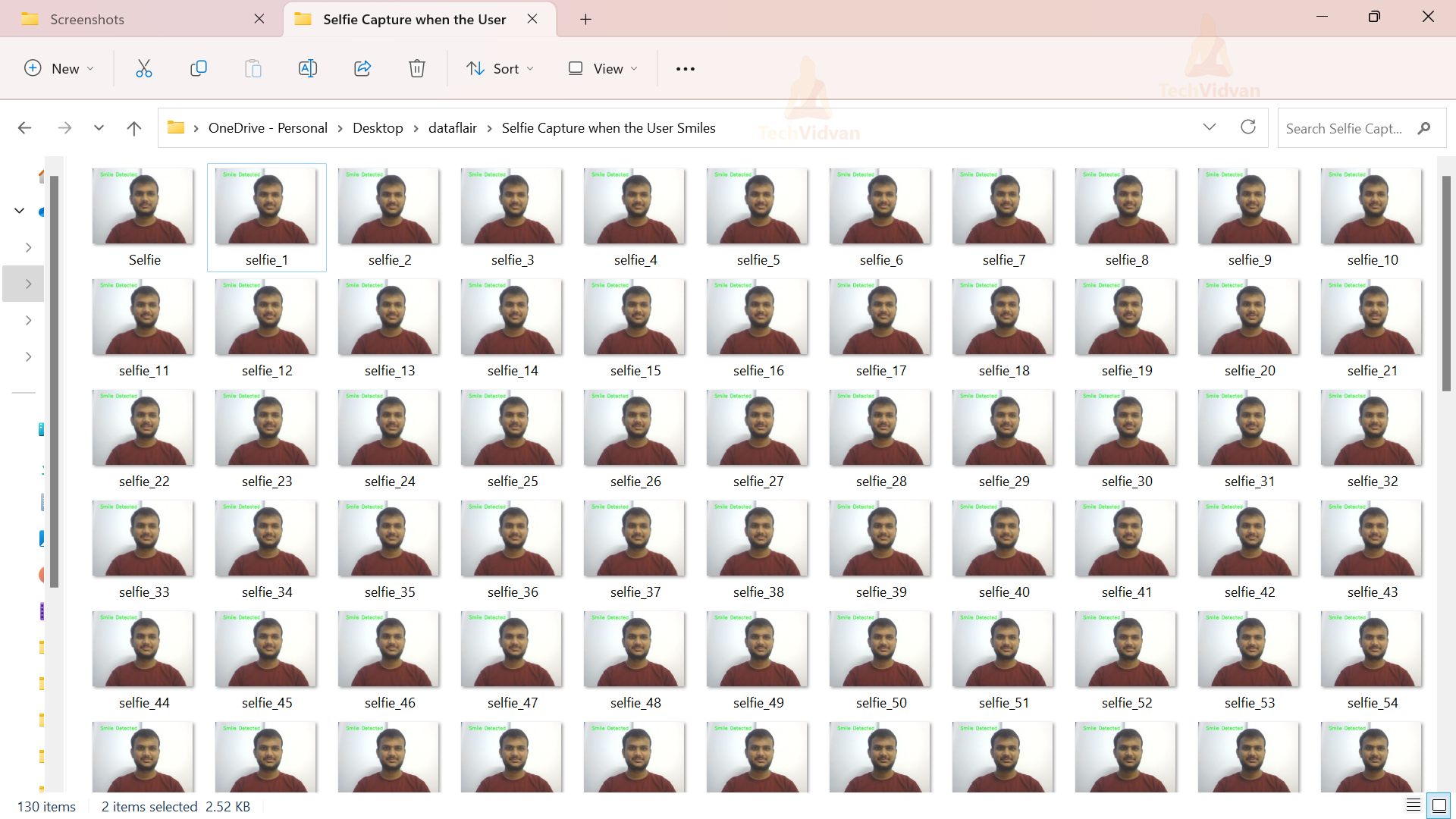
6. This loop measures mouth width using facial landmarks for each recognized face. If the mouth width exceeds 65, it says smile detected and saves the current frame in the directory.
for face in faces:
        landmarks = smile_detection(gray,face)
        left_co = (landmarks.part(48).x, landmarks.part(48).y)
        right_co = (landmarks.part(54).x, landmarks.part(54).y)
        mouth_wid = right_co[0] - left_co[0]
        print(mouth_wid)
        if mouth_wid > 65:
            cv2.putText(frame, "Smile Detected", (70, 70), cv2.FONT_HERSHEY_SIMPLEX, 2, (14, 255, 132), 3)
            cv2.imwrite("Selfie.jpg", frame)
            smile_count += 1
            selfie_filename = f"selfie_{smile_count}.jpg"
            cv2.imwrite(selfie_filename, frame)
7. Frames are shown in the “TechVidvan” window. If the user presses the ‘q’ key, it stops executing.
cv2.imshow("TechVidvan", frame)
    if cv2.waitKey(1) & 0xFF == ord('q'):
        break
Note:- write the steps 5-7 inside the 4th step while loop.
8. Once the program stops, it closes the camera and all the windows.
cap.release()
cv2.destroyAllWindows()
Output:


Conclusion
To sum up, Smile Capture technology adds a sprinkle of enhancement to our digital experience. Facial recognition and image processing turn smiles into cherished memories. As technology connects our virtual and real worlds, smile capture beautifully enhances our lives.