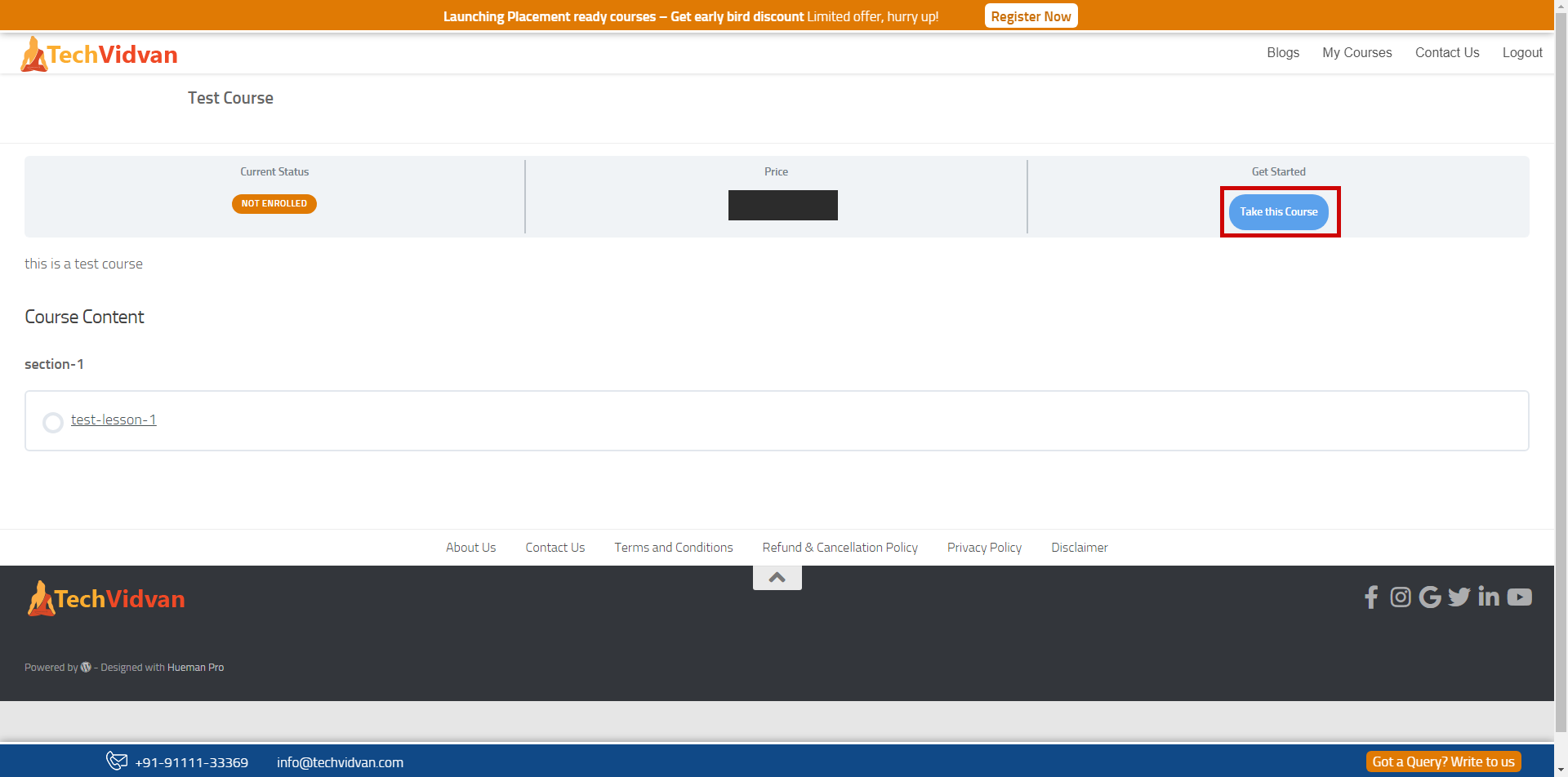
How to access courses on TechVidvan and become industry-ready?
Let’s discuss how to access courses on TechVidvan. Each step is attached with a screenshot to guide you throughout the process.
After completing the enrollment process, you are all set to embark on an enriching learning experience.
Steps for the Course Access on PC/Laptop
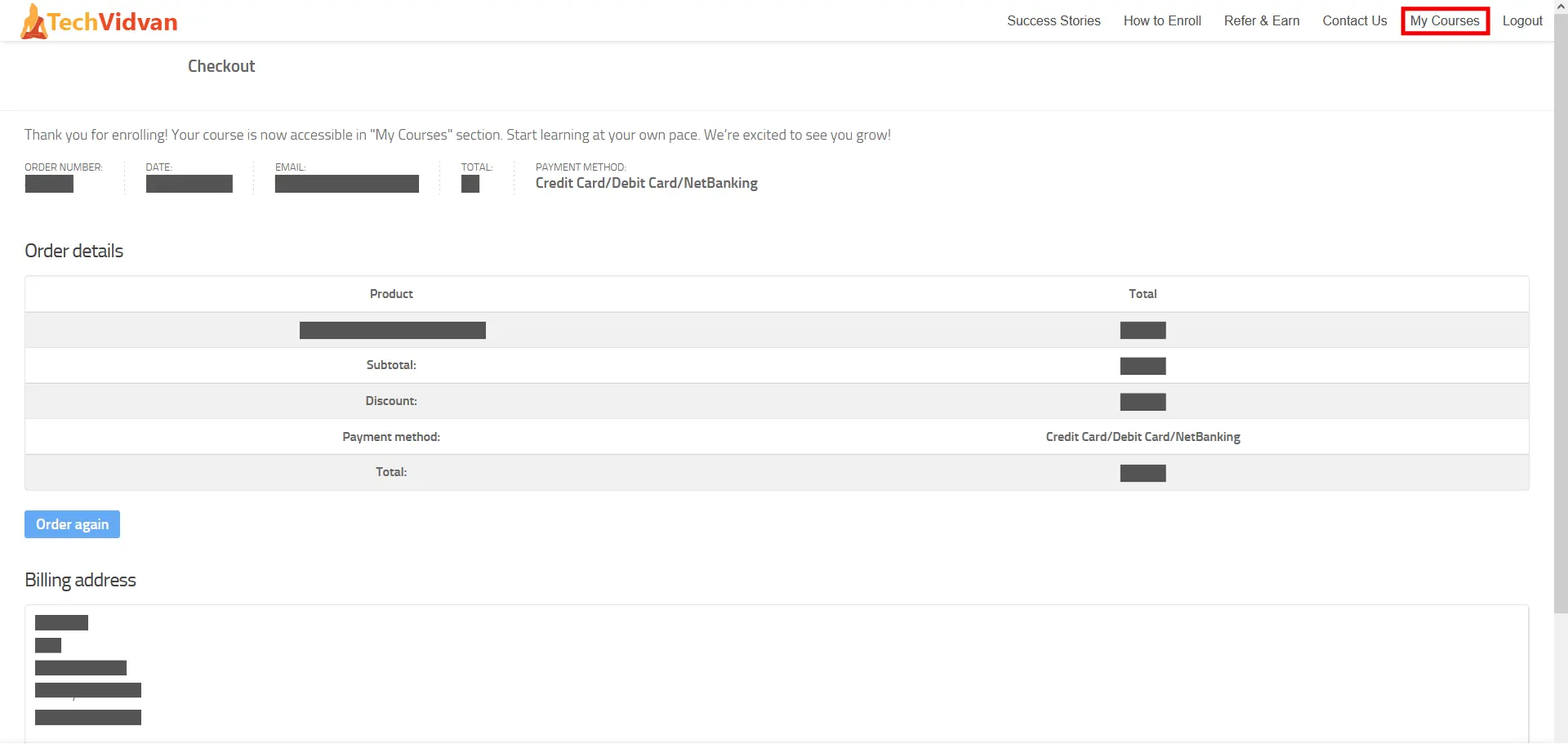
Step 1: After the successful enrollment, please click on “My Courses.”
Step 2: Now, click on “Python Certification Course“.

Step 3: Your enrolled course will be opened. Now, to access the course, please click on “Access Your Course – Click here to view your lessons and start learning now”

Step 4: This is the location where you can start the learning. Make sure to watch the complete video, read the study material and then click the “Mark Complete” button, which will automatically take you to the next topic.

Step 5: Now, if you want to continue your learning from your last topic, click on the “Resume” button.

Please complete all the videos, study material, and quizzes in order to get the industry-renowned certificate.
In case if you face any issues, please contact us on [email protected] / +91-91111-33369.