
Python OpenCV Project – Shooting Game
Welcome to this shooting game by TechVidvan! Get ready to test your shooting skills and precision. Your goal is to shoot total targets given by the game before you run out of bullets. Aim carefully and click to fire bullets at the targets. Aim for successful hits to increase your score, but be cautious as too many misses will deplete your bullets, leading to game over. To fire the bullets, click on the left button of the mouse.
Sound Effect
To enhance the gaming experience and add a realistic touch, we are introducing a bullet-firing sound using the versatile pygame library. This library is renowned for handling sound effects in games seamlessly. We have the suitable sound file in .mp3 format, which we are importing into our code via pygame. Players will now enjoy auditory feedback of firing bullets.
Prerequisites For Shooting Game Using Python OpenCV
A solid understanding of the Python programming language and knowledge of the OpenCV library are needed.
1. Python 3.7 and above
2. Any Python editor (VS code, Pycharm, etc.)
Download Python OpenCV Shooting Game Project
Please download the source code of Python OpenCV Shooting Game Project from the following link: Python OpenCV Shooting Game Project Code.
Installation
Open Windows cmd as administrator
1. Install the OpenCV library by running the command in the command prompt.
pip install opencv-python
2. Install the pygame library by running the command in the command prompt.
pip install pygame
Let’s Implement Python OpenCV Shooting Game
To implement the game, follow the below instructions.
1. First, we are importing all the packages that are needed in our implementation.
import cv2
import numpy as np
import pygame
pygame.init()
2. This is the name of our game window.
game_name = 'Shooting Game by TechVidvan'
3. Here, we are declaring some variables that we are going to use in our implementation, like img_size, img_width, max_hits, max_bullets, bullets, target color, etc.
img_width, img_height = 800,600
target_size = 15
bullet_size = 8
bullet_speed = 8
bullet_color = (0,255,0)
target_color = (0,0,255)
hits = 0
max_hits = 10
targets = []
bullets = []
max_bullets = 20
bullet_count  = 0
4. This function adds the sound effect to bullets firing.
def play_bullet_sound():
    bullet_sound.play()
5. This function randomly creates a new target with random coordinates within the shootable area of the game window.
def target_create():
    x = np.random.randint(target_size, img_width-target_size)
    y = np.random.randint(target_size,img_height-target_size-250)
    targets.append((x,y))
6. This function is responsible for drawing the targets on the game image and making them visible to the player.
def target_draw(image):
    for target in targets:
        x,y = target
        cv2.circle(image, (x,y), target_size, target_color, -1)
Output of this step
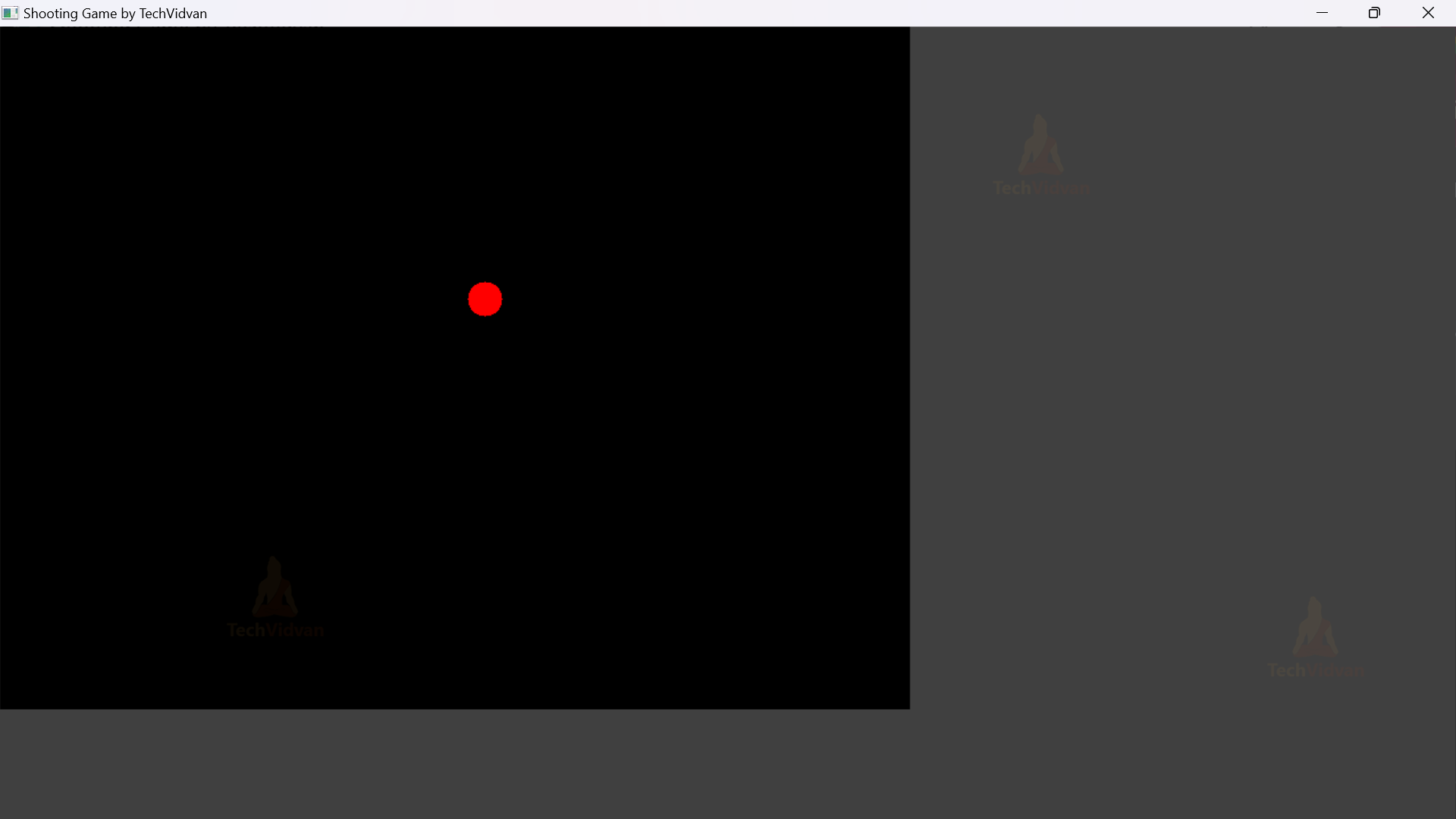
7. This function is responsible for drawing all the fired bullets on the game image, making them visible to the player. The position of bullets are updated in each iteration, and they are continuously drawn on the game image as they move.
def draw_bullets(image):
    for bullet in bullets:
        x,y = bullet
        cv2.circle(image, (x,y), bullet_size,bullet_color, -1)
Output of this step
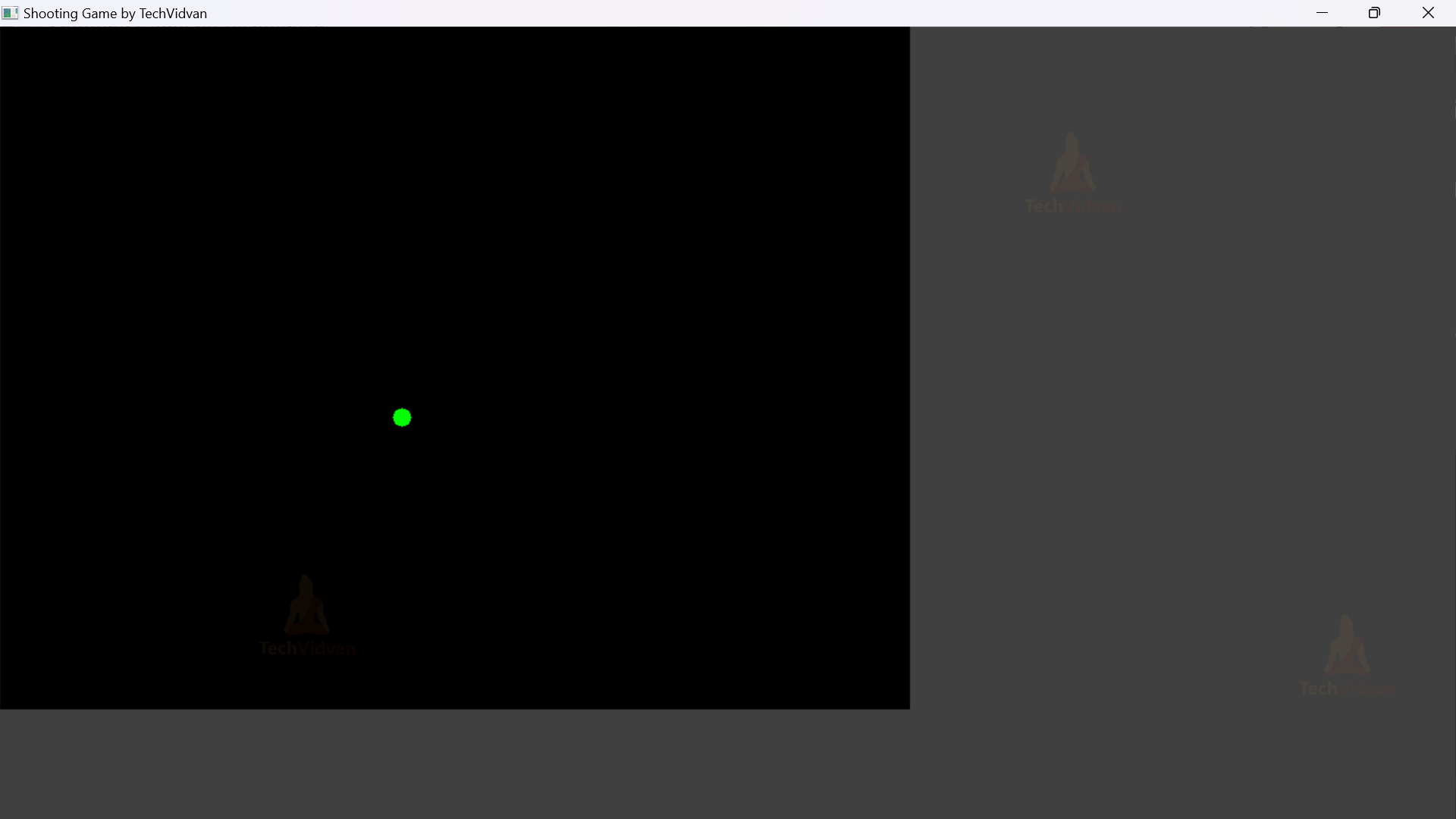
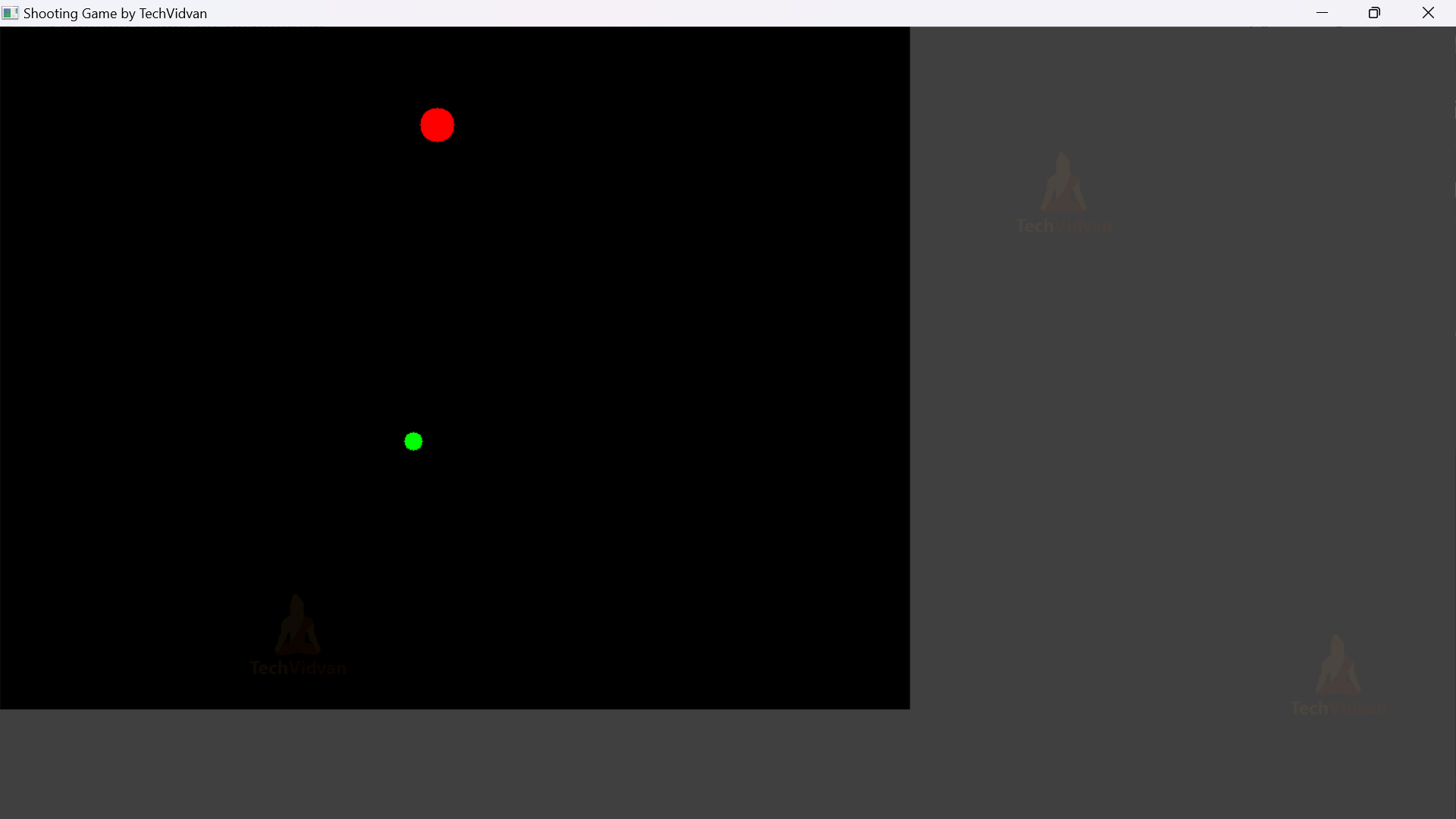
8. This function ensures that the bullets move smoothly on the game screen until they reach the top of the screen or hit the target. The continuous update of bullet positions gives the illusion of motion and creates the effect of moving towards the target.
def move_bullets():
    global bullets
    new_bullets = []
    for bullet in bullets:
        x,y = bullet
        y -= bullet_speed
        if y>0:
            new_bullets.append((x,y))
    bullets = new_bullets
9. This function ensures that hits between the bullets and the target are correctly detected and recorded, updating the hits counter accordingly and removing hit targets from the list of targets. This creates the effect of the targets disappearing when hit by bullets and counting the number of successful hits during the game.
def hits_detect():
    global bullets, targets, hits
    new_targets = []
    for target in targets:
        x,y = target
        hit = False
        for bullet in bullets:
            bx, by = bullet
            if abs(bx-x) <= target_size and abs(by-y) <= target_size:
                hit = True
                hits += 1
                break
        if not hit:
            new_targets.append(target)
    targets = new_targets
10. This function updates the bullet_count variable and the player can fire the bullets by clicking the left mouse button. The game will limit the number of bullets to the maximum allowed and bullet count will reflect the total number of bullets fired by player during the game.
def mouse_callback(event, x,y, flags, param):
    global bullet_count
    if event == cv2.EVENT_LBUTTONDOWN:
        if len(bullets) < max_bullets:
             bullets.append((x,y))
             bullet_count+=1
             play_bullet_sound()
11. This main function is the core of this game and handles the game loop. It continuously updates the game window to display relevant information such as number of hits, bullets fired, target, etc. If the player hits 10 targets in 20 bullets then the player will win the game and if bullets are over then the game will be over. If the user presses key ‘q’ the game will stop executing.
def main():
    global hits
    cv2.namedWindow(game_name)
    cv2.setMouseCallback(game_name,mouse_callback)
    while True:
        image = np.zeros((img_height, img_width, 3), dtype=np.uint8)
        target_draw(image)
        draw_bullets(image)
        move_bullets()
        hits_detect()
        cv2.putText(image, f"Hits : {hits}/{max_hits}", (40,40), cv2.FONT_HERSHEY_SIMPLEX, 1, (255,255,255), 2)
        cv2.putText(image, f"Bullets: {bullet_count}/{max_bullets}", (550, 40), cv2.FONT_HERSHEY_SIMPLEX, 1, (255, 255, 255), 2)
        if hits >= max_hits:
            cv2.putText(image, "You Won the Game", (100, 350), cv2.FONT_HERSHEY_SIMPLEX, 2, (0,255,255), 4)
            cv2.imshow(game_name,image)
            cv2.waitKey(2000)
            break
        if bullet_count >= max_bullets:
            cv2.putText(image, "Game Over", (250, 350), cv2.FONT_HERSHEY_SIMPLEX, 2, (0, 255, 255), 4)
            cv2.imshow(game_name, image)
            cv2.waitKey(2000)
            break
        cv2.imshow(game_name, image)
        if cv2.waitKey(1) & 0xFF == ord('q'):
            break
        if len(targets) == 0:
            target_create()
    cv2.destroyAllWindows()
12. It is a very common convention used in python to make sure that main() function is executed only if the script is run as the main program.
if __name__ == "__main__":
    main()
Python OpenCV Shooting Game Output
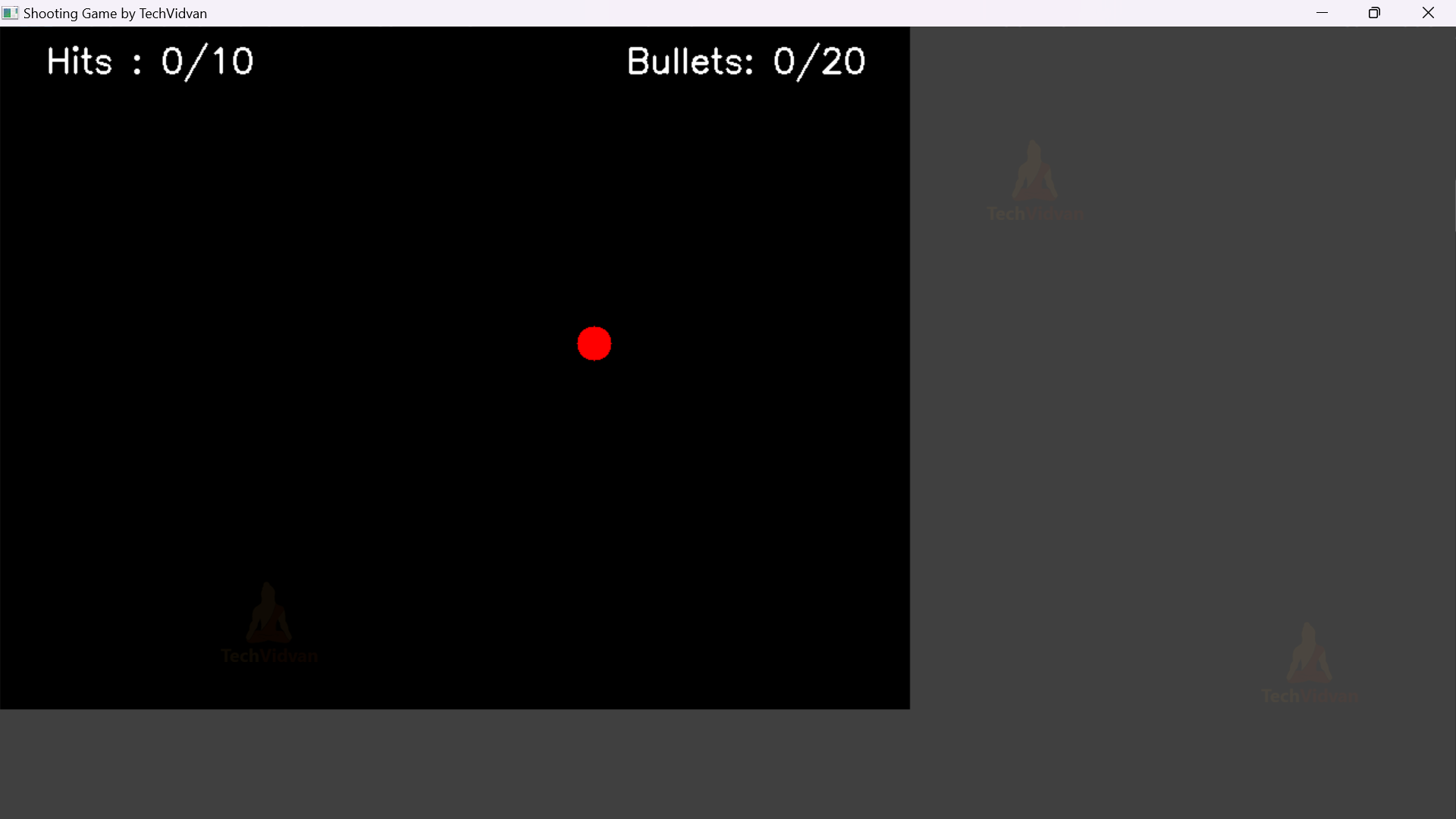
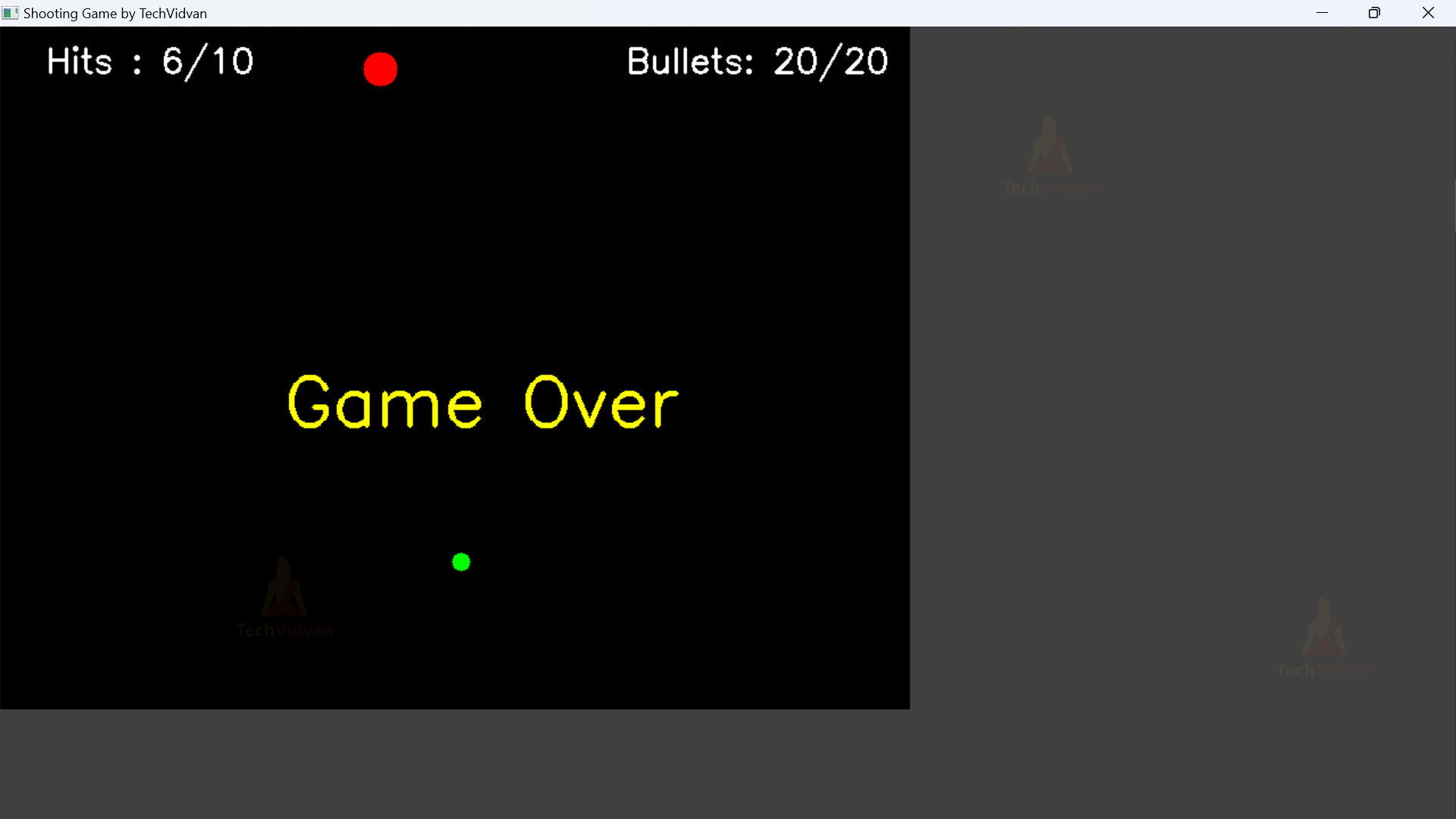

Python OpenCV Shooting Game Video Output
Conclusion
The shooting game using opencv is an exciting and interactive experience where players can test their shooting skills. They fire bullets at targets on the screen, aiming to hit them within a limited number of bullets. It showcases the potential of opencv for creating fun and engaging games, highlighting the fusion of computer vision and gaming technology to entertain and challenge players.